STAY
A night away, your way. Use your GIFTO at QT, Rydges and EVT hotels across Australia. Quick city escape or a proper switch off. It’s ready when you are.
Download the GIFTO app, redeem your code, and use it across dining, hotels, cinema, spa and more across Australia.



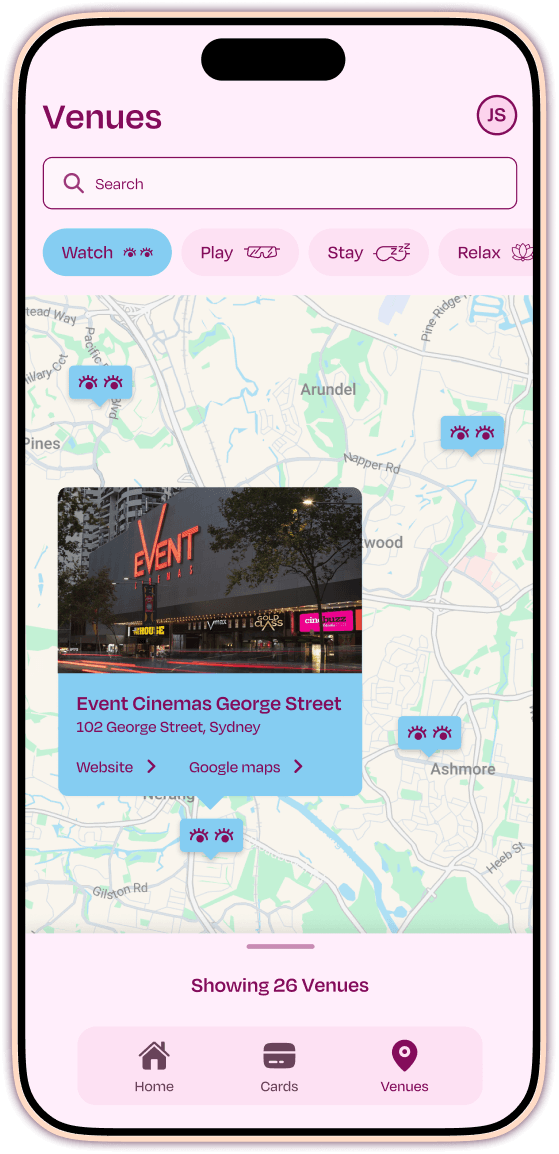

Use your GIFTO at Event Cinemas, QT Hotels, Rydges, Thredbo and more. Stay, Dine, Watch, Play or Relax. It’s your call, whenever you’re ready.
A night away, your way. Use your GIFTO at QT, Rydges and EVT hotels across Australia. Quick city escape or a proper switch off. It’s ready when you are.

Dinner at QT, drinks at a rooftop bar, or something in between. Your GIFTO works across a wide range of restaurants and bars. No planning required, just turn up hungry.

Catch the latest at Event Cinemas, Moonlight Cinema and BCC Cinemas. Last-minute plans, premium recliners, or a proper night out. Your GIFTO works wherever the credits roll.

Fresh tracks at Thredbo, entertainment venues, and activities that actually get you moving. Use your GIFTO for experiences worth leaving the house for.

Spa treatments, wellness experiences, and time deliberately set aside to do nothing much at all. Use your GIFTO to make space for it.
Redeeming your GIFTO is simple. Here’s how to get it into your wallet and start using it.
Add your code, add to your wallet, tap at the venue. That’s it.
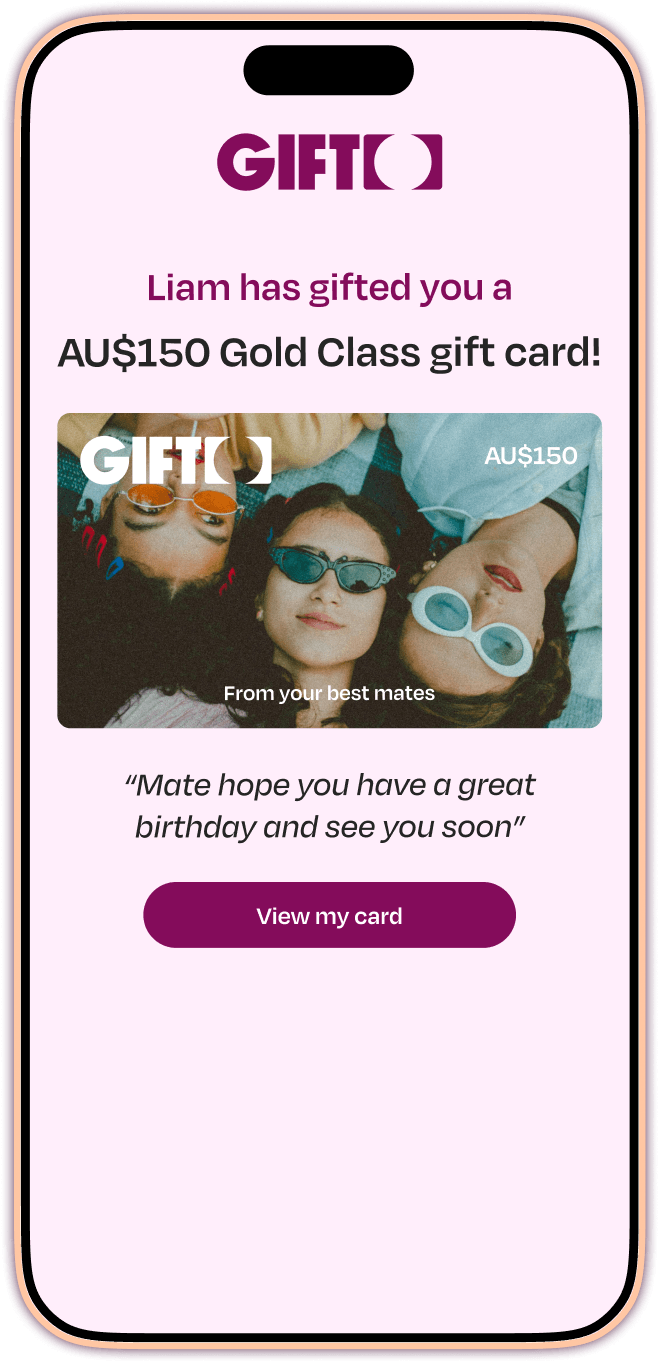
Check your email or SMS for your unique GIFTO code. You’ll need this to claim your card.
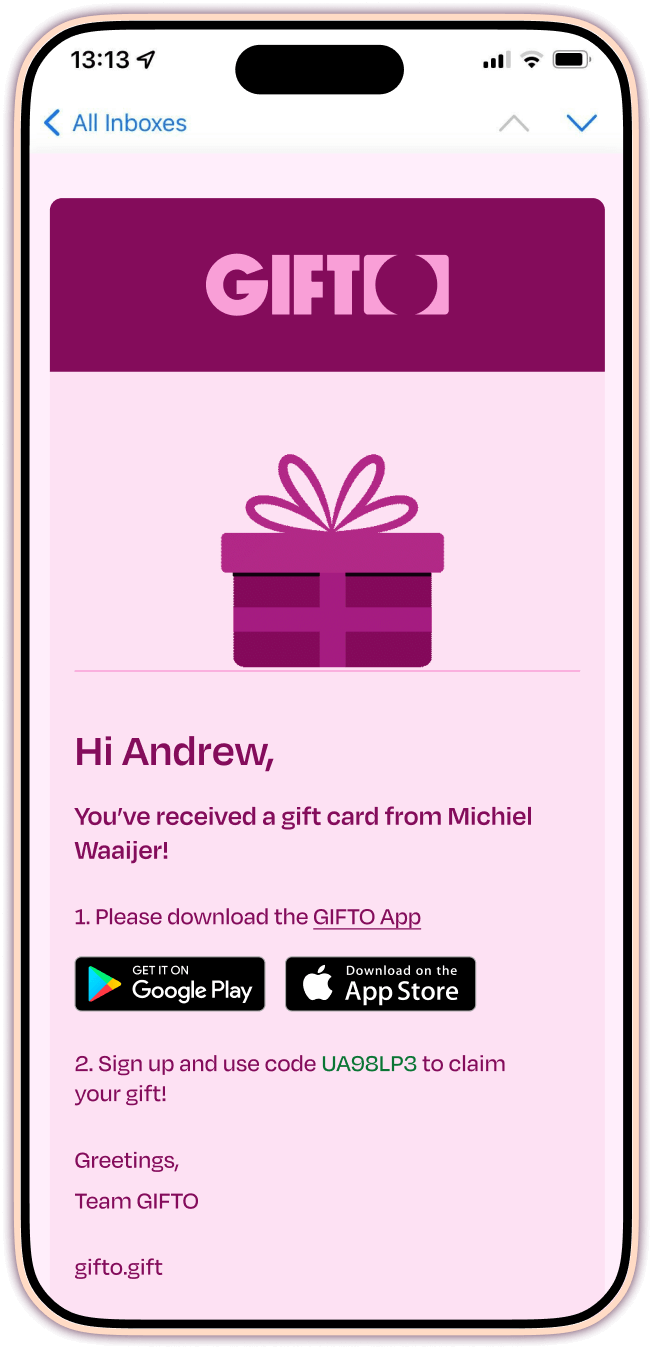
New to GIFTO? Create your account. Already have one? Log in to continue.
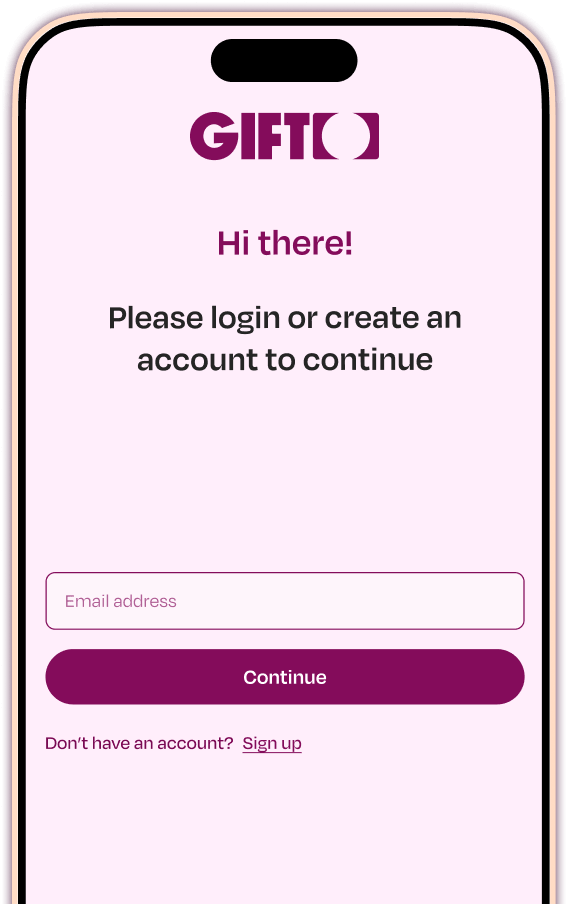
Tap “Redeem code” in the app and enter your gift code. Your GIFTO will appear instantly.
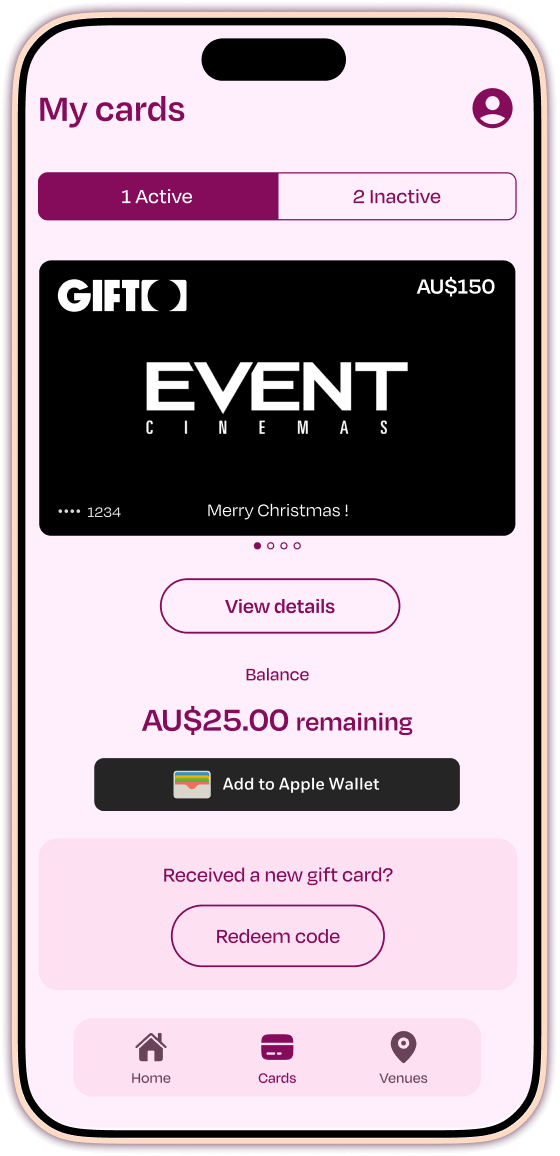
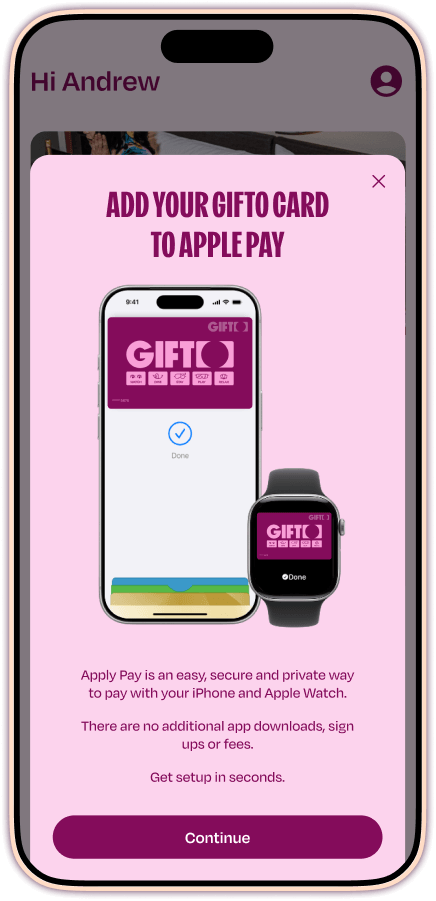
Add your GIFTO to your mobile wallet. It works like a prepaid Mastercard.
Tap your phone at any participating EVT venue. Your GIFTO balance takes care of the rest.

See your remaining value and transaction history in the GIFTO app.
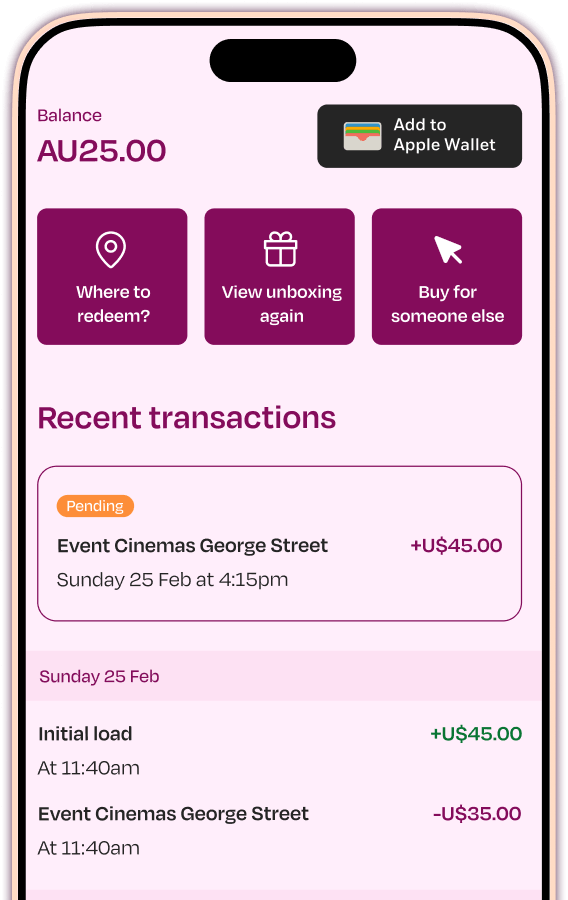
GIFTO is an experience gift card from EVT that gets you into hotels, restaurants, cinemas, ski days at Thredbo, spas and more. Everything lives in the GIFTO app, no physical card needed.
Across participating EVT venues in Australia, including Event Cinemas, QT Hotels, Rydges, Thredbo, SpaQ and more.
Check the full list here
Yes. The app is how you claim your GIFTO and add it to your digital wallet.
After that, paying at a venue is just a tap with your phone, like any other contactless payment.
Once added to your Apple Pay or Google Pay wallet on your phone or watch, simply “tap and pay” like you normally would.
The easiest way is to use a browser where you have Apple Pay or Google Pay enabled with your GIFTO card.
If you’re using another device, you can also pay with the Card Number like you would a normal debit/credit card.
– Simply visit the “Cards” section in the App, select the card you wish to view the details, and then tap on the card.
– It will then flip around and reveal the Card Number, CVV, Expiry and name on the card directly within the App.
– This can be typed in as a normal debit card online to complete your transaction.
Visit any participating hotel website, book a room, and select “Pay Later” at checkout. When prompted to add a card, use your own debit or credit card to secure the reservation.
When you arrive at the hotel, simply pay for your stay with your GIFTO via Apple Pay or Google Pay.
If your total bill, including the room and any incidentals, is more than your GIFTO balance, ask the team to use the remaining balance on your GIFTO first, then pay the rest with your personal credit or debit card.
You can check your GIFTO balance at any time in the GIFTO app.
GIFTO is valid for three years from the date of purchase. The expiry date is clearly shown in the GIFTO app once the gift is claimed. We recommend using your GIFTO at any participating venues before the expiry date to avoid missing out.
Double-check the code matches exactly what was sent to your email or SMS.
If it’s still not working, reach out at [email protected]
No problem.
You can split the payment, use your GIFTO first, then pay the remaining balance with another card or payment method.